In addition to a variety of layouts, Musix Pro now features controls allowing you to customize how your touches map to audio / MIDI output. Activating the Use Tap Velocity option in the Touch Controls menu allows you to configure the Min and Max Velocities produced when touching the keys.
Use Tap Velocity Disabled
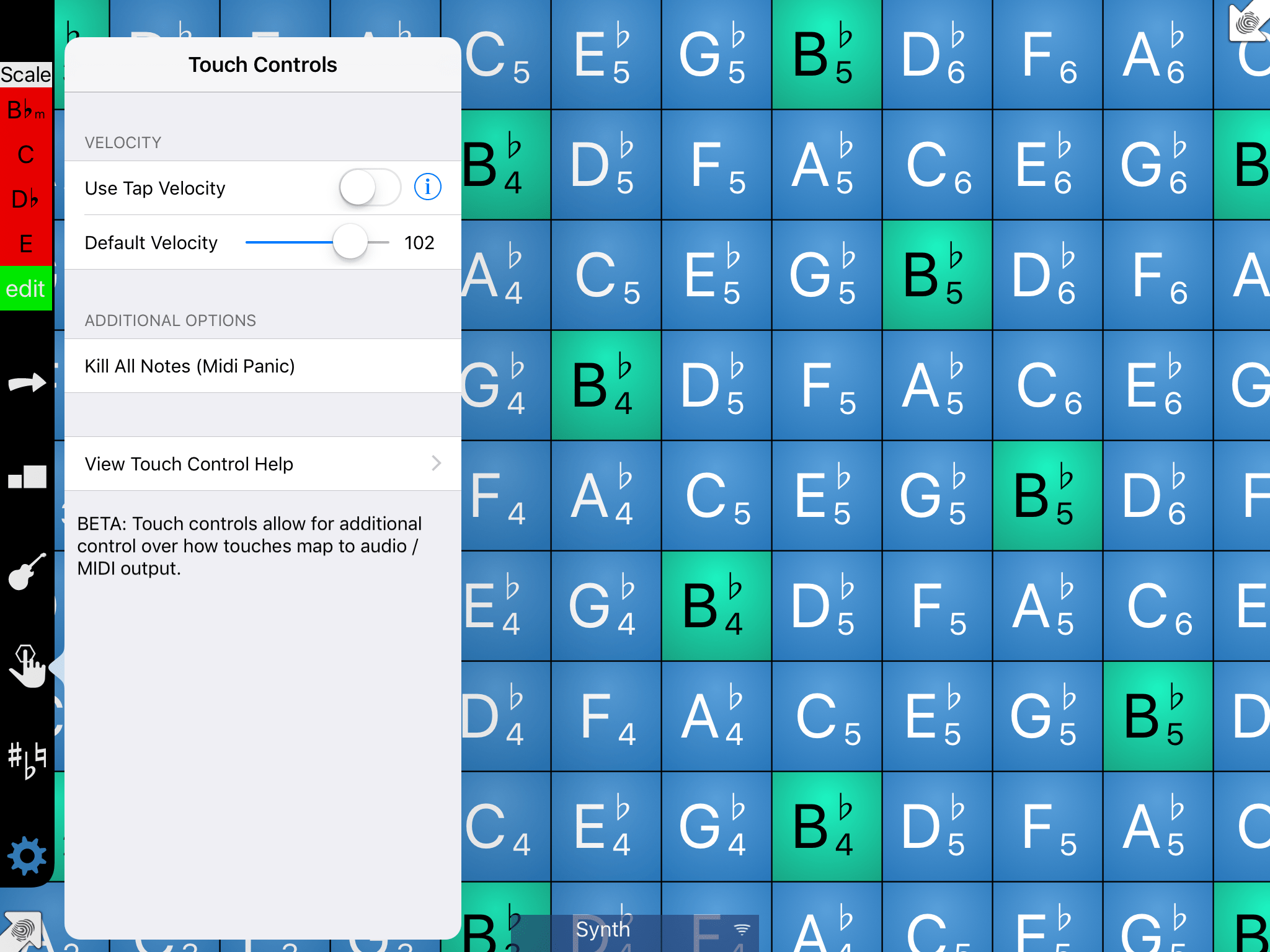
With Use Tap Velocity disabled, you can control the velocity of output that touching a key will produce. With Use Tap Velocity disabled, all output from the app will be the same velocity, regardless of how hard you tap.
Use Tap Velocity Enabled
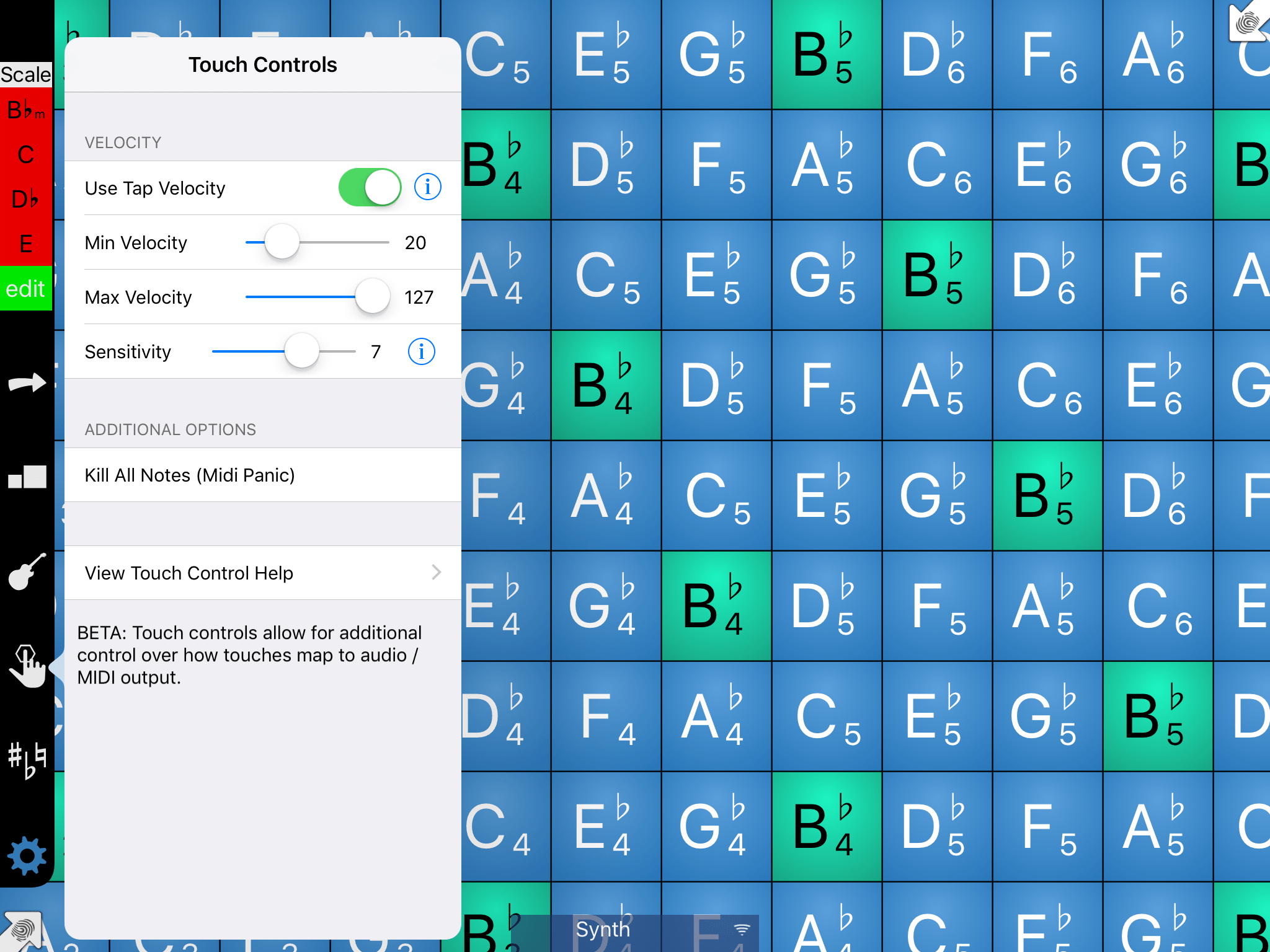
With Use Tap Velocity enabled, you are able to customize more controls related to the touch of the keys. Specifically, you can set the Min and Max Velocities of output, as well as how sensitive the keys are.