
Restore Your SpeakBeat Purchases
If you get a new iPhone or iPad, or reinstall SpeakBeat Metronome, you can restore any purchases you made in the past with your Apple account.
Follow these steps
- Launch SpeakBeat.
- Tap the settings gear in the bottom right corner.
- Scroll down the settings list to find and tap “In-app Purchases”.
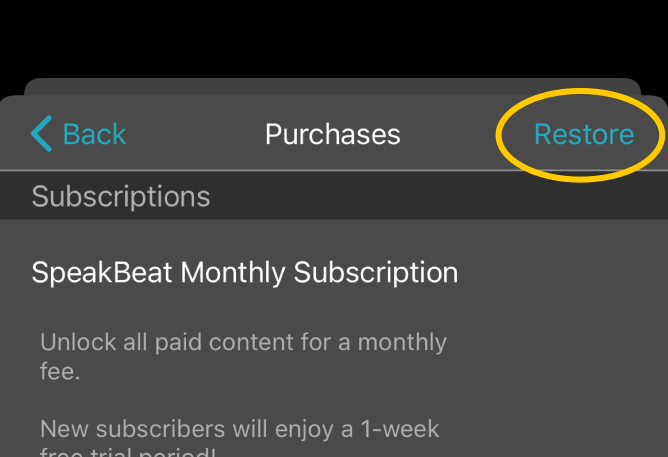
- Once the Purchases screen appears, tap “Restore” in the top right corner and follow any instructions to sign in to your Apple account.
Related help
- Cancelling your SpeakBeat subscription
- Still stuck? Tap “Have a question?” at the bottom of this page, or contact us.